Use Cases
Retrieving the LucidIDs contained in a case and downloading information about the products therein
When a case is received from a Brand that contains LucidID tagged items, the case will also have a CaseID on the outside.
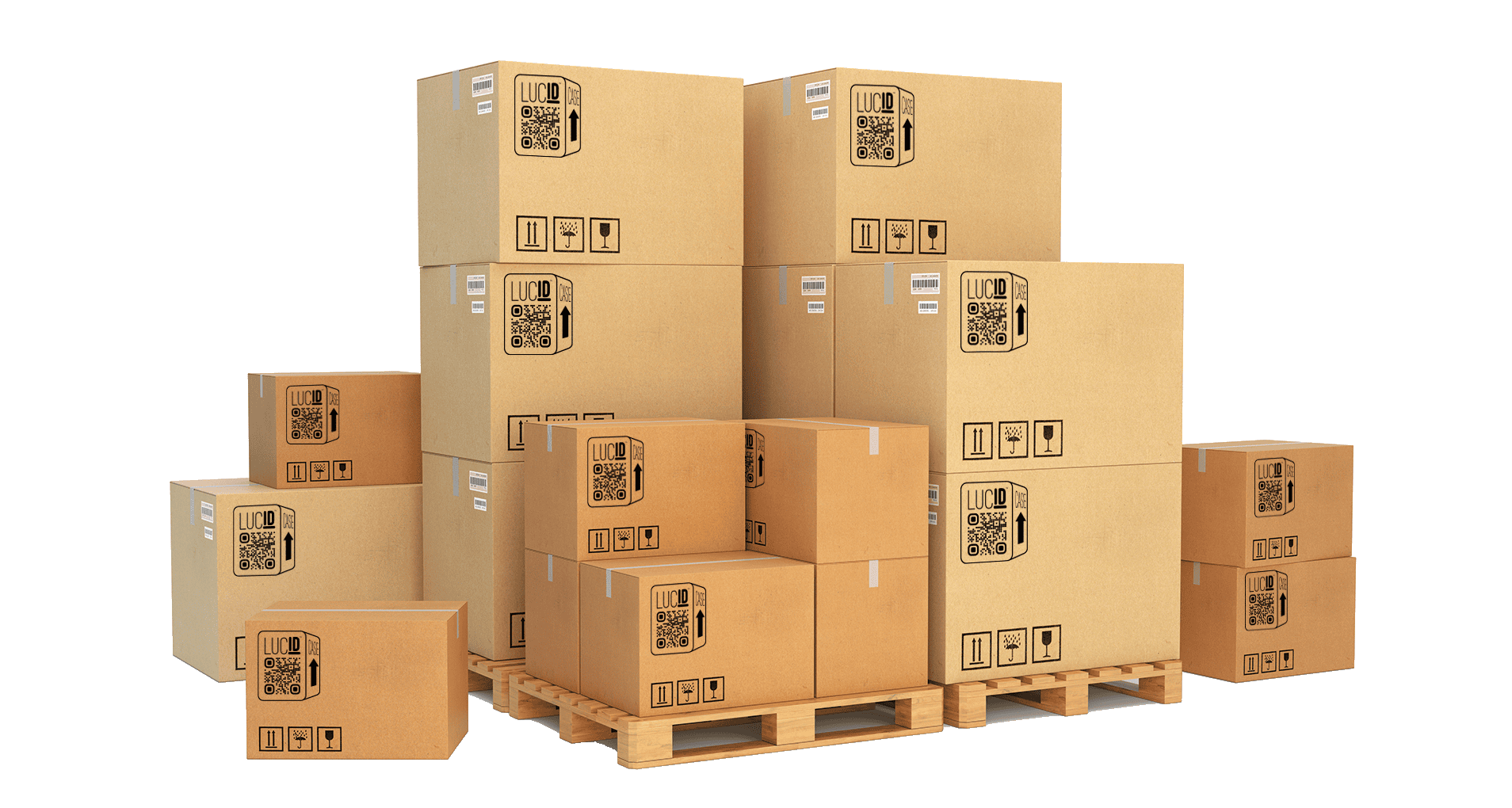
In order to capture the LucidIDs of all of the items inside the case and then download the product and brand details of those items, the following process can be performed:
Using a QR code scanner, scan the CaseID and retrieve the URL representing that case
Extract the identifier that is at the end of that URL:
https://qr.lcdg.io/case/<identifier>Using the
collections_getAPI endpoint, query the Collection using the identifierProcess each item listed in the API response, possibly storing them for future use
Using the
items_getAPI endpoint, query Items using the provided LucidIDsProcess the uuids representing Brand, Product, and Batch using the respective API endpoints
Splitting and Sublotting a Delivery or Case
When sublotting a delivery or an individual Case, the regulatory ID provided by Metrc can be assigned to each of the Items in the sublot. Using the previously retrieved LucidIDs of the Items in the sublot, or scanning the LucidIDs and/or Cases (as previously described) to gather those LucidIDs, the following process can be performed:
Using the
collections_createorcollections_add_itemsAPI endpoint, create a new Collection using the sublot regulatory ID as the identifier andregulatoras the collection_type (if creating a new Collection) and add the relevant LucidIDs to that Collection
Using a LucidID or CaseID to Manage Inventory
LucidIDs can be used to identify items in inventory and CaseIDs can be used to identify Cases of items and identify all items within using the scanning and retrieval methodology described in the first use case above. Management of inventory, including the additional assignment of regulatory IDs or other internal tracking identification, can be performed by using LucidSource APIs to add identifiers to individual LucidIDs or multiple LucidIDs using Collections. The following process can be performed:
Scan items, Cases, or retrieve already stored LucidIDs
Using the
collections_createAPI endpoint, create a new Collection using the determined identifier and an appropriate collection_type (see available options in the API documentation below)If Collection is intended for 3rd party access (as in the case of a
regulatorID) set is_public toTrueUsing the
collections_add_multipleAPI, add the appropriate LucidIDs to the created Collection identified by the previously determined identifierFor future retrieval of Collection ID(s) associated with a LucidID use
items_getAPI to retrieve all Collections associate with a given item
Generating a new CaseID for Order Fulfillment
CaseIDs are stored in LucidSource as Collections with collection_type package. LucidSource provides a means to generate CaseID stickers using a CaseID. To generate a CaseID, the following process can be performed:
Use the above described process for Managing Inventory to generate a CaseID and associate LucidIDs with that Case
Using the LucidID Labels section of LucidSource, generate one or more CaseID stickers and apply them to the relevant Case
Additionally, Orders can be tracked using LucidSource APIs using the same methodology specified above, instead creating a Collection with collection_type order. The identifier used for the Collection should be the appropriate ERP or Inventory Order ID. All items that are part of an order should be associated with the order Collection stored in LucidSource using the collections_add_items API.