Use Cases
Retrieving the LucidIDs contained in a case and downloading information about the products therein
When a case is received from a Brand that contains LucidID tagged items, the case will also have a CaseID on the outside.
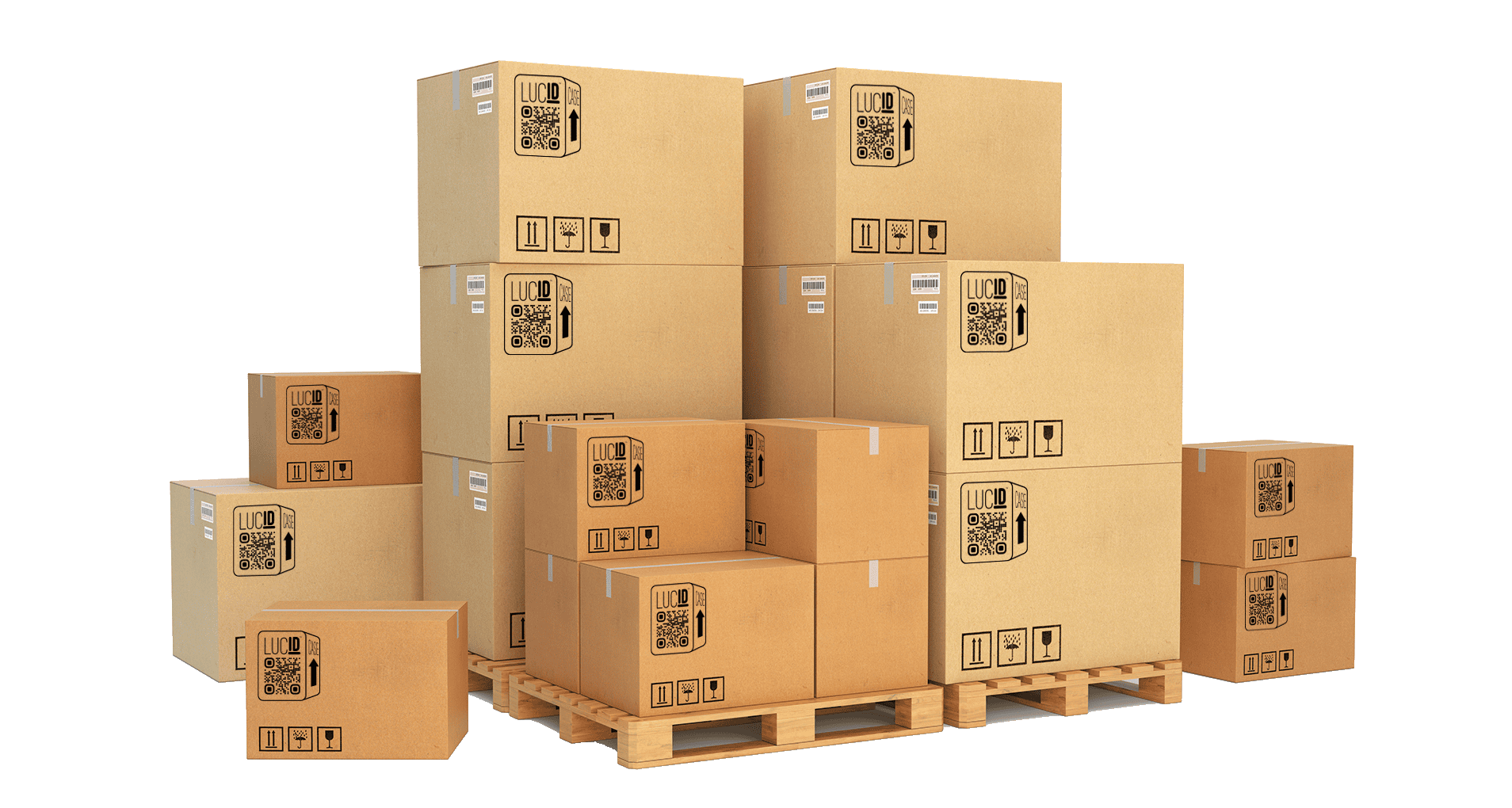
In order to capture the LucidIDs of all of the items inside the case and then download the product and brand details of those items, the following process can be performed:
Using a QR code scanner, scan the CaseID and retrieve the URL representing that case
Extract the identifier that is at the end of that URL:
https://qr.lcdg.io/case/<identifier>Using the
collections_getAPI endpoint, query the Collection using the identifierProcess each item listed in the API response, possibly storing them for future use
Using the
items_getAPI endpoint, query Items using the provided LucidIDsProcess the uuids representing Brand, Product, and Batch using the respective API endpoints
Splitting and Sublotting a Delivery or Case
When sublotting a delivery or an individual Case, the regulatory ID provided by Metrc can be assigned to each of the Items in the sublot. Using the previously retrieved LucidIDs of the Items in the sublot, or scanning the LucidIDs and/or Cases (as previously described) to gather those LucidIDs, the following process can be performed:
Using the
collections_createorcollections_add_itemsAPI endpoint, create a new Collection using the sublot regulatory ID as the identifier andregulatoras the collection_type (if creating a new Collection) and add the relevant LucidIDs to that Collection
Using a LucidID to Scan an Item at Checkout
LucidIDs can be used to identify items at checkout by scanning the LucidID the same way a UPC or secondary QR code is scanned by the POS system. The following process can be performed:
Store the LucidIDs of each Item at delivery receipt in the POS system
Using a QR code scanner at checkout, scan the Item’s LucidID
Extract the identifier that is at the end of that URL:
https://qr.lcdg.io/<LucidID>Using the LucidID, lookup the item in the POS system and process accordingly
Submitting a Transaction to LucidRetail
LucidRetail enables a POS system to report the sale of one or more specific items to a Consumer, for the purpose of identifying:
That the item(s) are now in the hands of Consumers and should be activated for Consumer BudPoint eligibility
Which Consumer (as identified by the Retailer POS) purchased the item(s) to enable potential recall alerts
Which Budtender should receive credit for the sale of the item(s) to enable Budtender BudPoint rewards
Which order (as identified by the Retailer POS) contained that item to enable potential recall alerts and provide reporting data to the Dispensary and alerts on potential low stock to Distributors/Brands
The retail_transactions_create API endpoint allows the submission of one or more records representing a transaction with Consumer, and includes information that facilitates the above goals. The following information should be submitted:
List of LucidIDs that were sold
Date and time of the sale
Total quantity of items sold (including ones that weren’t tagged with LucidIDs)
Identification of Budtender, Consumer, and order, as represented in the Dispensary POS system
There is no need to convert this the identifications into how * LucidRetail identifies individuals and orders, merely that it is consistent and stable, i.e. a Budtender is always identified by the same identifier that is provided to Lucid Green in subsequent submissions to * LucidRetail.
All RetailTransactions will automatically be associated with the Dispensary that owns the API Key used for authentication. As a result, if a POS system is submitting RetailTransactions in a cloud or centralized environment, it is important that the unique API Key for the specific Dispensary Location is used to submit RetailTransactions for that location.
The API supports posting one or more RetailTransaction records, for the purpose of enabling periodic submission of this information to * LucidRetail. It can be used in multiple ways:
Submit a list of a single RetailTransaction at the conclusion of a POS transaction
Submit a list of multiple RetailTransactions periodically (ex. every hour)
Since it is possible that RetailTransactions may be submitted more than once per order, it is important that the included Order ID always be the same for a POS sale. * LucidRetail will de-duplicate multiple submissions based on the Order ID submitted, and will overwrite earlier submitted data with the same Order ID.
Since its important to ensure that reportable data doesn’t change over time, and Lucid Green can retain accurate identification information, after a period of time (TBD, likely 24 hours post submission) a RetailTransaction will become locked and any subsequent submission of a RetailTransaction record with a locked Order ID will be rejected.
Note
If a POS transaction does not contain any LucidID tagged items, it should not be submitted to the RetailTransaction API